Top 21+ Next.js Project Ideas in 2026
By Rahul Singh
Updated on Apr 13, 2026 | 7 min read | 4.58K+ views
Share:

All courses
Certifications
More
By Rahul Singh
Updated on Apr 13, 2026 | 7 min read | 4.58K+ views
Share:
Table of Contents
Portfolio websites, blog platforms, e-commerce stores, dashboards, and SaaS applications are some of the most popular Next JS projects you can build today. These projects help you create fast, user-friendly apps while learning how modern web development works in real scenarios.
Next.js is a powerful React framework built for performance and flexibility. It supports server-side rendering (SSR), static site generation (SSG), and the App Router, which helps you manage routes and data easily while building scalable web applications.
In this comprehensive guide, you will find 31 Next.js project ideas carefully categorized into beginner, intermediate, and advanced levels.
Build in-demand AI skills with upGrad’s Artificial Intelligence Courses. Learn machine learning, prompt engineering, and real-world tools through hands-on projects.
Popular upGrad Programs
By using these project ideas, you can build up your good understanding in basics completing in 2-3 hours, for intermediate and advanced level projects. If you are good at your basics, you can skip these and jump to intermediate or advanced projects.
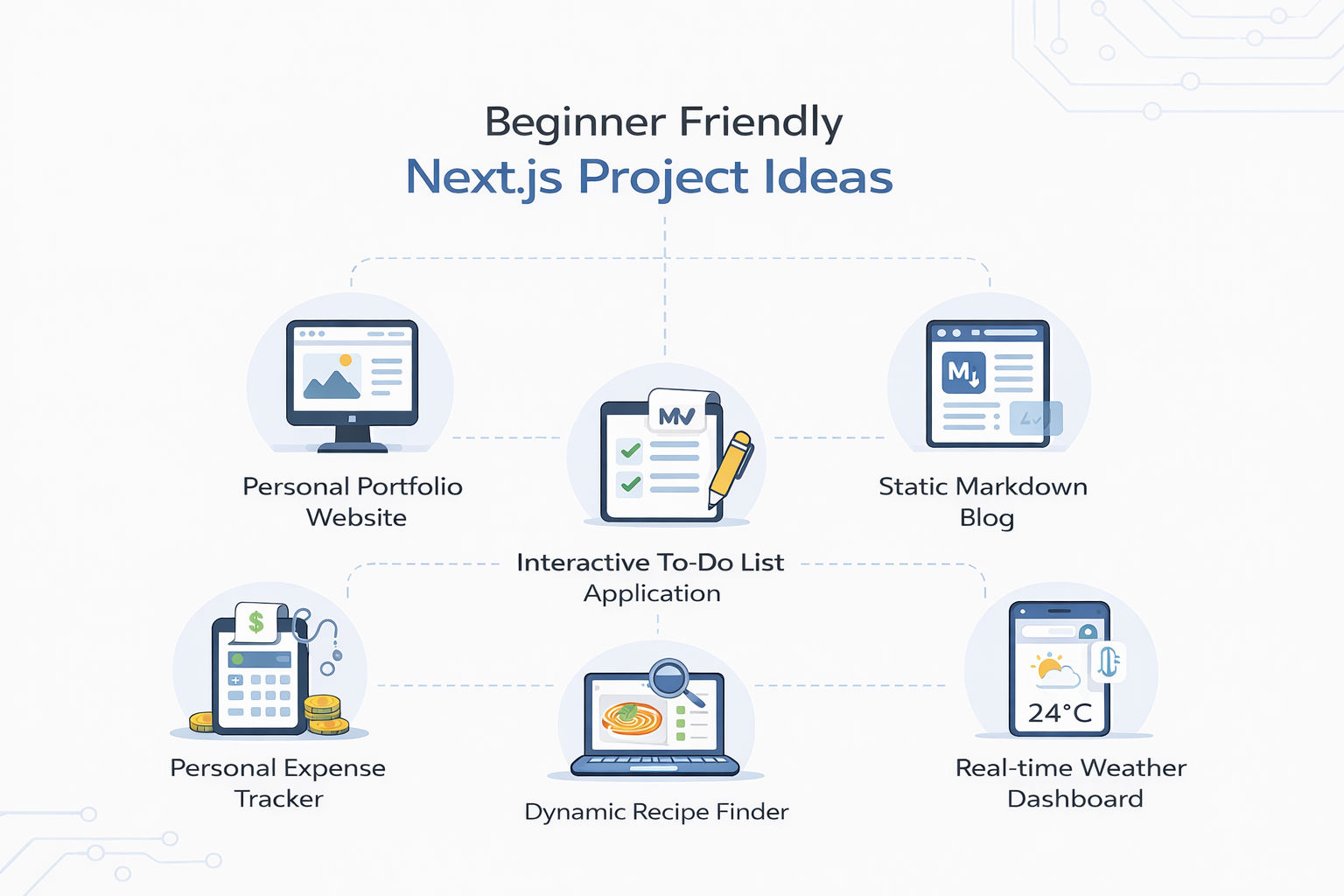
This project serves as the perfect introduction to the Next.js ecosystem, helping you understand fundamental concepts like file-based routing, creating reusable layout components, and optimizing performance. You will build a blazing-fast, SEO-friendly website designed to showcase your professional skills, past projects, and contact information, ensuring you leave a strong impression on potential employers.
Tools and Technologies Used
How to Make It
This project dives deep into Static Site Generation (SSG), teaching you how Next.js pre-renders pages at build time for maximum speed. You will construct a fully functional blog that reads local Markdown files, parses the frontmatter (metadata like title and date), and generates static HTML pages, eliminating the immediate need for a complex database.
Tools and Technologies Used
How to Make It
Also Read: Top 25+ HTML Projects for Beginners in 2026: Source Code, Career Insights, and More
Moving beyond static content, this project introduces client-side state management and basic CRUD (Create, Read, Update, Delete) operations within a React environment. You will build an interactive task manager that allows users to add tasks, toggle their completion status, delete them, and persist this data so it survives a page refresh.
Tools and Technologies Used
How to Make It
This project bridges the gap between your frontend UI and third-party data providers, teaching you how to fetch, process, and display real-time information. You will build a dynamic dashboard where users can input any global city and instantly view current weather conditions, temperatures, and forecasts.
Tools and Technologies Used
How to Make It
Also Read: A Complete Guide to the React Component Lifecycle: Key Concepts, Methods, and Best Practices
This project focuses on handling numerical data, building complex forms, and translating raw numbers into visual insights. You will develop a financial tool that allows users to log their daily expenses, categorize them, and view their spending habits through interactive data visualizations.
Tools and Technologies Used
How to Make It
This project provides excellent practice for managing search parameters, handling complex nested JSON data, and utilizing Next.js's powerful image optimization features. You will build a culinary search engine where users can discover recipes based on specific ingredients or dietary requirements.
Tools and Technologies Used
How to Make It
Also Read: Top 50 React JS Interview Questions & Answers in 2026
This project is a perfect introduction to Server-Side Rendering (SSR), demonstrating how Next.js can fetch data on the server before sending the HTML to the browser. You will build an inspirational application that retrieves a fresh quote directly from the server every time a user visits or refreshes the page.
Tools and Technologies Used
How to Make It
This project emphasizes responsive design principles and the creation of highly shareable web links. You will build a digital, link-in-bio style business card optimized for mobile screens, containing social profiles, a brief biography, and a scannable QR code.
Tools and Technologies Used
How to Make It
Also Read: 20+ Top Front-End Developer Tools in 2026: Uses, Benefits, and More
This project focuses on complex CSS interactions, state-driven UI changes, and organizing local data sets. You will build a study aid application where users can review topics by clicking interactive cards that flip to reveal the answers on the back.
Tools and Technologies Used
How to Make It
This project introduces advanced data fetching concepts like pagination and handling large datasets gracefully. You will interface with a professional movie database to build an application that displays trending films, allowing users to load subsequent pages of content.
Tools and Technologies Used
How to Make It
Also Read: Full Stack Developer Tools To Master In 2026
Free Courses
Intermediate Next JS projects help you move beyond basics and start building real-world applications with backend logic.
You work with APIs, authentication, and databases while creating more structured and scalable apps.
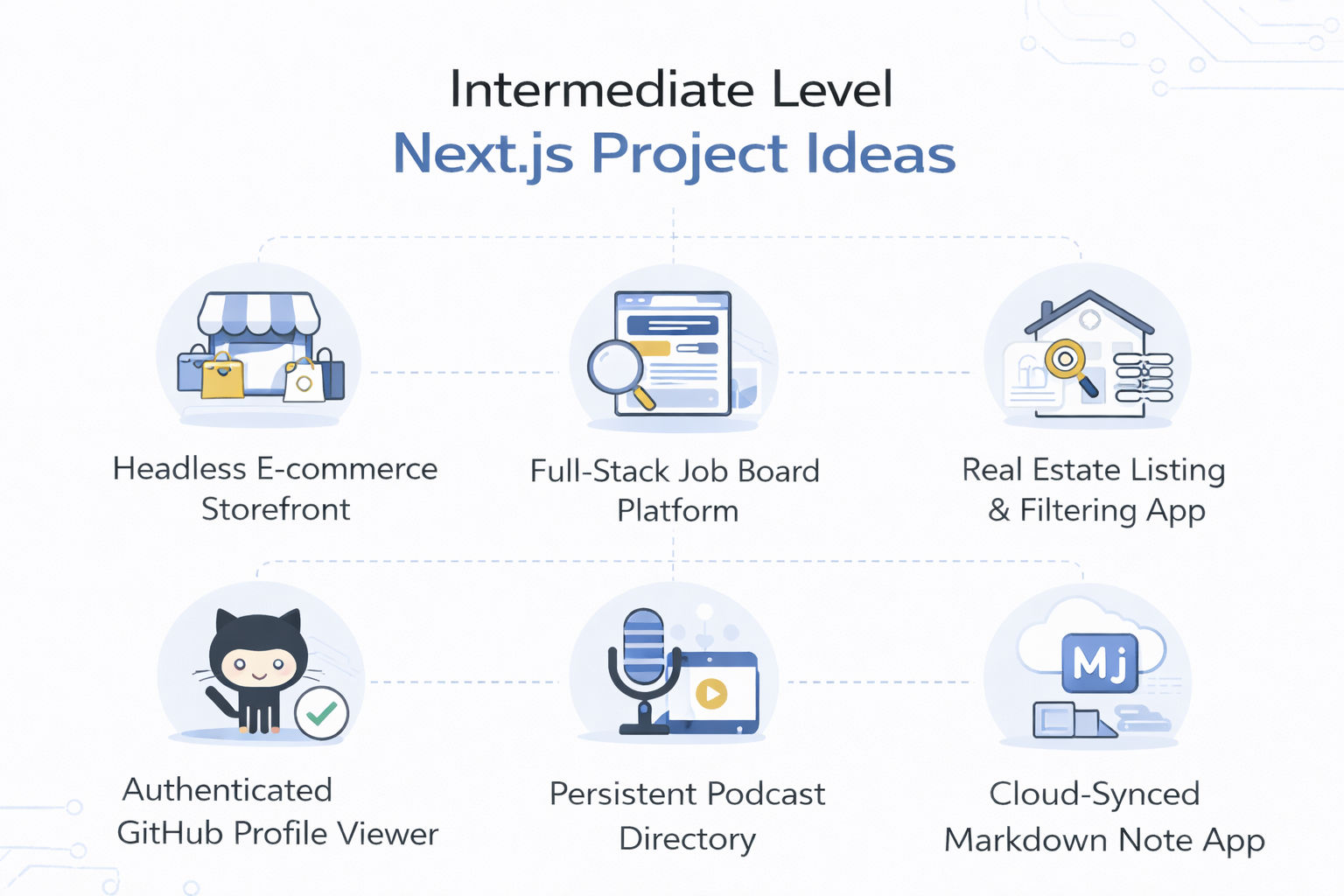
This project transitions you from simple layouts to handling complex, multi-page application state and complex routing. You will build the front-facing UI of an online store, managing a shopping cart context that persists as users navigate between product listing pages and individual product details.
Tools and Technologies Used
How to Make It
This project introduces database integration, user authentication, and secure form handling. You will build a functional platform consisting of two user flows: employers who authenticate to post job listings, and job seekers who browse and search the public listings.
Tools and Technologies Used
How to Make It
This project requires mastering complex query parameters, deep data filtering, and building high-performance image galleries. You will construct a property browsing platform that allows users to narrow down hundreds of listings based on highly specific criteria.
Tools and Technologies Used
How to Make It
Also Read: SQL Vs NoSQL: Key Differences Explained
This project teaches you how to implement OAuth authentication flows and interact with rate-limited, complex GraphQL APIs. You will build a developer dashboard where users log in with their actual GitHub credentials to view a stylized, analytical breakdown of their repositories and coding habits.
Tools and Technologies Used
How to Make It
This project tackles the challenge of continuous state, specifically, maintaining audio playback uninterrupted while the user navigates across different pages of the application. You will build a media interface to discover podcasts and listen to episodes seamlessly.
Tools and Technologies Used
How to Make It
Also Read: MongoDB Tutorial for Beginners: Learn MongoDB in Simple Steps
This project bridges rich text input with robust database architecture. You will build a productivity web application where users can draft notes in Markdown format, see a live formatted preview, and have their work automatically saved to a cloud database.
Tools and Technologies Used
How to Make It
Recommended Courses to upskill
Explore Our Popular Courses for Career Progression
IIIT Bangalore
Executive Diploma in Machine Learning and AI360° Career Support
O.P.Jindal Global University
MBA from O.P.Jindal Global UniversityLive Case Studies and Projects
Advanced Next JS projects push you to build full-scale, production-ready applications with complex features.
You work on scalability, performance, security, and real-world systems like SaaS platforms and real-time apps.
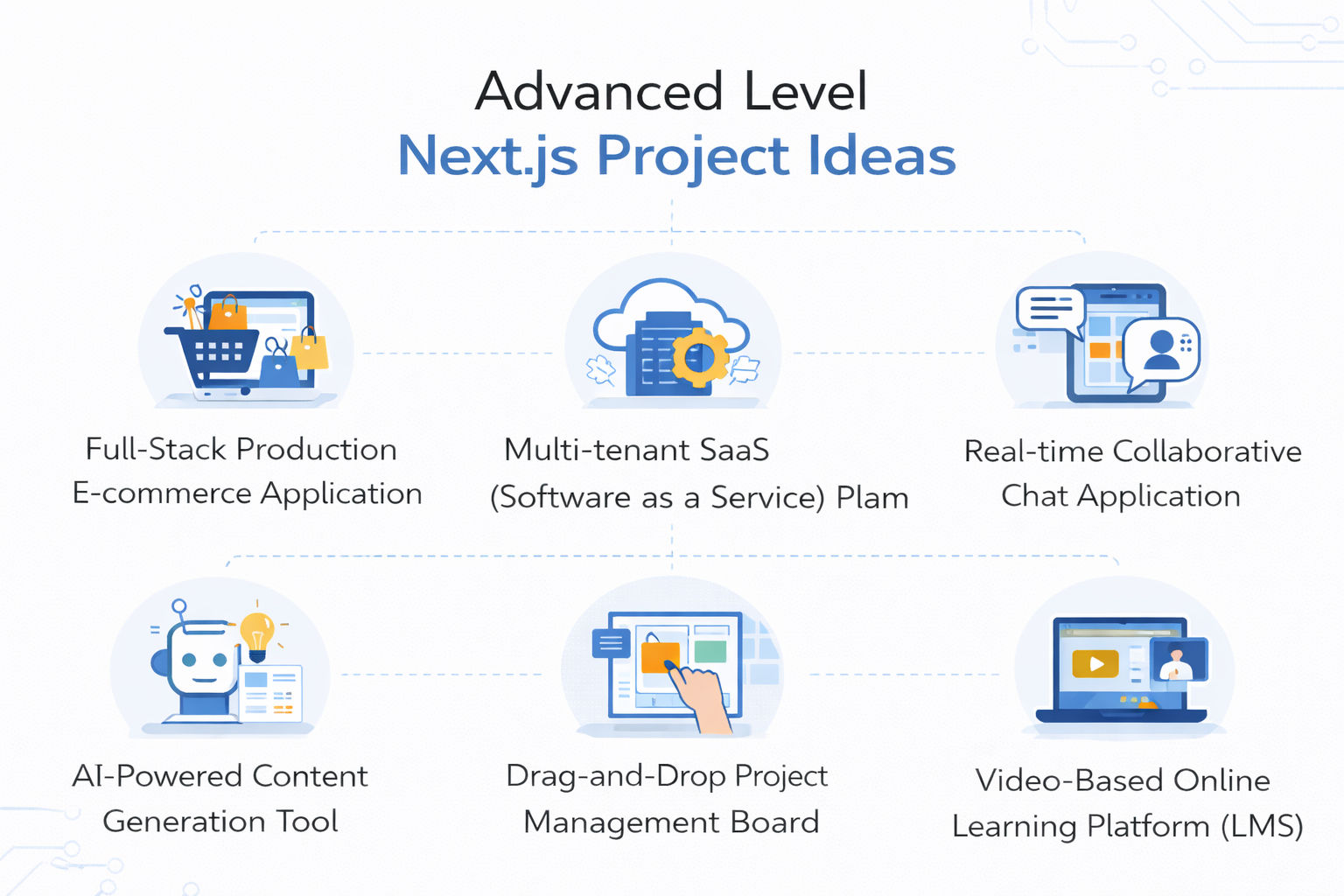
This project simulates a complete, enterprise-grade online business, combining complex frontend UI with rigorous backend financial security. You will build a fully operational storefront, an encrypted checkout process, and a secure admin panel for managing real-time inventory.
Tools and Technologies Used
How to Make It
This project teaches you enterprise-level architecture regarding data isolation and dynamic subdomains. You will build a B2B SaaS application where different client companies register and receive their own customized, isolated workspace (e.g., companyA.myapp.com).
Tools and Technologies Used
How to Make It
Also Read: MongoDB vs PostgreSQL: Key Differences, Similarities, and More
This project dives into the complexities of WebSockets, bypassing traditional HTTP request/response cycles to achieve instant, bi-directional data delivery. You will build a communication platform featuring live direct messaging, persistent group channels, and online presence indicators.
Tools and Technologies Used
How to Make It
This project introduces you to the rapidly growing field of Generative AI integration, requiring you to manage complex API streams and prompt engineering. You will build a sophisticated tool that accepts user parameters and interfaces with Large Language Models to generate long-form blog posts or marketing copy.
Tools and Technologies Used
How to Make It
This project requires mastering complex client-side interactions, calculating precise coordinates, and managing complicated database syncs. You will build a Kanban-style management board (similar to Trello) where teams can track tasks across different lifecycle stages.
Tools and Technologies Used
How to Make It
This project requires managing heavy media assets, tracking granular user progress, and building strict access control gateways. You will build an educational platform where students can purchase courses, stream video lectures securely, and track their module completion.
Tools and Technologies Used
How to Make It
Also Read: Top 30 Final Year Project Ideas for CSE Students in 2026
Most developers don’t struggle with tools, they struggle with finishing real projects. The ones who grow faster don’t chase tutorials; they build things people can use, break, and give feedback on. That’s where real skill shows up. If your Next.js work solves actual problems, you’ll stand out. If it stays as practice code, it won’t.
"Want personalized guidance on AI and upskilling opportunities? Connect with upGrad’s experts for a free 1:1 counselling session today!"
Popular ideas include dashboards, social platforms, blog apps, and e-commerce stores. Many developers explore these because they cover routing, APIs, and real-world logic. Recent GitHub examples also include event platforms and property apps, which help you practice full-stack concepts.
You can explore repositories on GitHub that showcase complete apps like blogs, dashboards, and full-stack templates. These repositories often include structured folders, API routes, and deployment setups, making them useful references when you want practical learning through real code.
Start with simple apps like a personal blog, to-do list, or weather dashboard. These projects help you understand routing, components, and API calls. Many beginner discussions also recommend blog and e-commerce basics as strong starting points for learning.
Pick projects that solve real problems and show full-stack skills. A blog, dashboard, or small SaaS tool works well. Employers prefer projects that show API usage, authentication, and deployment instead of only UI-based work.
Advanced ideas include SaaS tools, chat apps, CRM systems, and AI-powered platforms. Open-source projects like scheduling tools or survey platforms show how large-scale apps are structured and managed in real-world environments.
GitHub lets you study real-world code, understand folder structures, and see how developers solve problems. Many repositories include full apps like e-commerce platforms and dashboards, helping you learn patterns and best practices directly from working projects.
Frontend apps help you understand UI and components, but adding backend features gives better results. You should build apps that include API routes, authentication, and data handling to gain complete development experience.
You can find complete apps like blog systems, event platforms, dashboards, and rental websites with source code. These projects often include authentication, database integration, and deployment steps, making them useful for learning advanced concepts.
They help you understand how applications are structured, how APIs work, and how data flows. Working on real apps also improves debugging, testing, and deployment skills, which are important for job-ready development.
Projects that solve real problems, include authentication, and are deployed live stand out. Adding features like dashboards, payments, or real-time updates shows strong practical skills and helps you get noticed during hiring.
Focus on 3 to 5 strong projects instead of many small ones. Build at least one full-stack app, one API-based project, and one advanced system. Quality, structure, and real use cases matter more than the number of projects you create.
98 articles published
Rahul Singh is an Associate Content Writer at upGrad, with a strong interest in Data Science, Machine Learning, and Artificial Intelligence. He combines technical development skills with data-driven s...
Get Free Consultation
By submitting, I accept the T&C and
Privacy Policy
Top Resources
Certification
3 Months
Certification
6 Months
O.P. Jindal Global University
Masters in International Accounting and Finance (Accredited by ACCA, UK)Master's Degree
12 Months